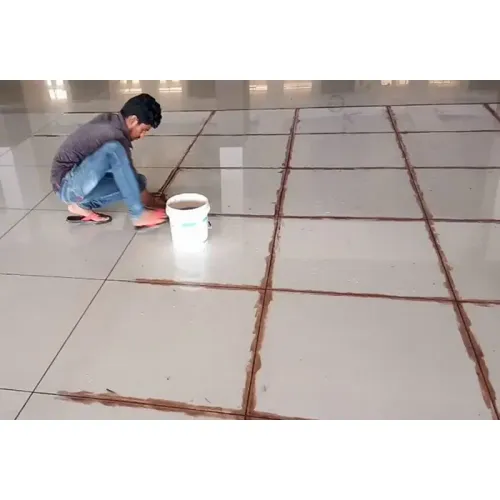
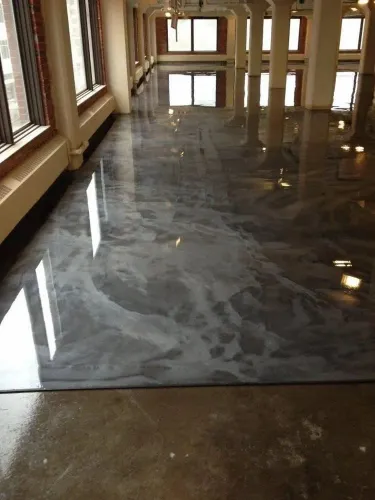
Epoxy grouting is a method used to fill joints and seams in various applications, particularly in tile installations and industrial flooring. Here are the key details:
What is Epoxy Grout?
Epoxy grout is a mixture of epoxy resin and a hardener, often combined with fillers. It’s known for its durability, chemical resistance, and moisture resistance.
Types of Epoxy Grout
- 1-Part Epoxy Grout: Pre-mixed and easy to use, requiring no additional mixing.
- 2-Part Epoxy Grout: Requires mixing of resin and hardener before application, offering stronger performance.
Benefits
- Durability: Highly resistant to cracking, stains, and chemicals.
- Moisture Resistance: Ideal for wet areas like bathrooms and kitchens.
- Aesthetic Appeal: Available in various colors and finishes.
- Low Maintenance: Easy to clean and maintain compared to traditional grout.
Applications
- Tiles: Suitable for ceramic, porcelain, glass, and stone tiles.
- Industrial Flooring: Used in commercial kitchens, laboratories, and warehouses.
- Restoration Projects: Ideal for repairing old grouts or tile installations.
Installation Process
- Surface Preparation: Clean the joints and ensure they are free from dust and debris.
- Mixing: For 2-part epoxy, mix the…